In many companies, artificial intelligence has quietly made its way into the workplace. Teams use it to draft emails, summarize briefings, or quickly look up information. The problem? These consumer-grade tools absorb everything you feed them. Uploading financial data or strategic reports to external platforms poses a major risk to your organization.
To protect your confidential data while offering your employees real time savings, the answer can be summed up in two words: an internal chatbot.
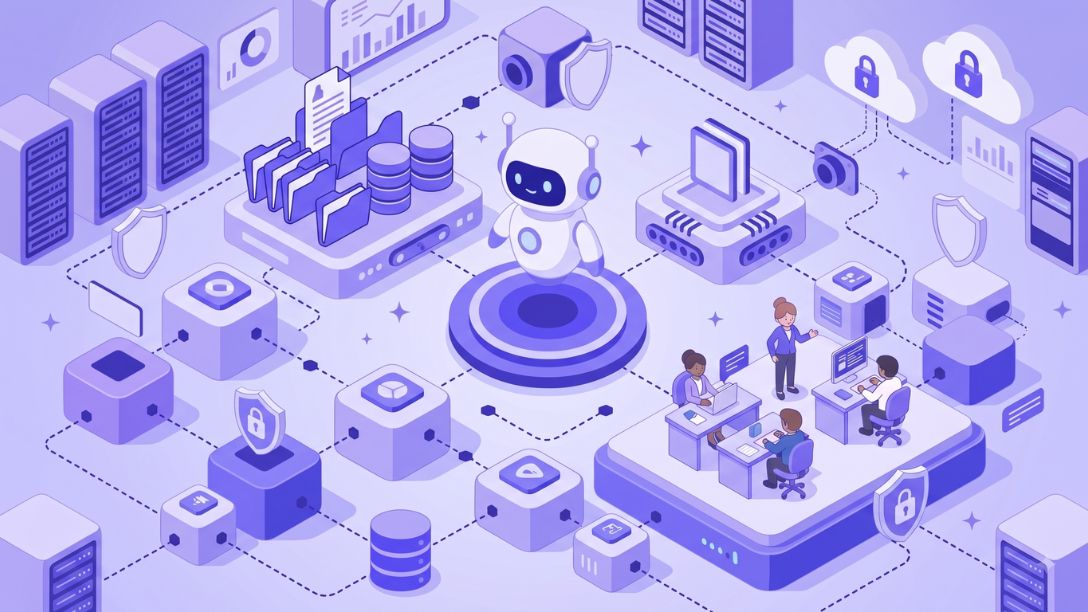
Creating your own internal AI ensures that your information stays within your organization. By combining open-source language models with a secure internal document repository, your IT team can provide an assistant capable of delivering accurate responses based solely on your data.
Here’s a clear step-by-step guide to implementing this project in your company.
1. Choose an open and sovereign model
It all starts with your assistant’s engine. You no longer need to send your queries to the other side of the world to get relevant answers. Today, open-source AI tools compete directly with the industry giants. Open technologies, such as those offered by Mistral AI or the Llama project, deliver remarkable power while remaining freely accessible.
Deploying these language models on European servers or within your own network is a game-changer. Your confidential data never leaves your network. Furthermore, your documents are not used to feed or train other systems. You retain full ownership of your information and complete independence.
2. Securely connect your documents
A traditional artificial intelligence model has a broad general knowledge base, but it is not familiar with your product catalog, your HR processes, or your current contracts. To make it useful, you need to give it access to your expertise. That is the role of RAG architecture.
The principle is simple: before writing a single sentence, the assistant consults the document library you’ve provided. It searches for the exact information and uses it to formulate its response.
For an in-house chatbot to work effectively in a business setting, it must strictly respect everyone’s privacy:
- Role-based access control: A member of the sales team should not be able to view pay stubs managed by Human Resources.
- Always-visible sources: The assistant clearly indicates the document from which the information comes, allowing you to verify the response at a glance.
3. Implement the development and incorporate it into your daily routine
An extra tool that no one uses is useless. Chatbot development should focus on ease of access. Your employees should be able to interact with the assistant directly from their everyday tools, such as Microsoft Teams or Slack.
The AI-powered customization of your assistant revolves around a few specific steps:
- Content integration: Connect the tool to your usual storage platforms, such as SharePoint or Google Drive.
- Information preparation: Format your text so the system can quickly find the right passage.
- Guideline definition: Tell the assistant the tone to use and the vocabulary specific to your industry.
- Deployment: Give your teams access directly through their work email.
4. Keep an eye on usage and compliance
Deploying the tool does not mean the work is done. The European framework sets clear rules regarding data protection and the traceability of artificial intelligence systems. You need to know how the tool is being used and ensure that personal information is handled appropriately.
Take the time to analyze the questions asked by your teams. If a request comes up frequently without a clear answer, it’s a sign that a document is missing from your database. Listen to “feedback from the field” to help your assistant improve over time.
5. Take It to the Next Level with Craft AI
Building and maintaining a custom assistant from scratch requires time and highly specialized technical skills. To speed up the process without compromising on security, many IT teams choose to rely on a dedicated platform.
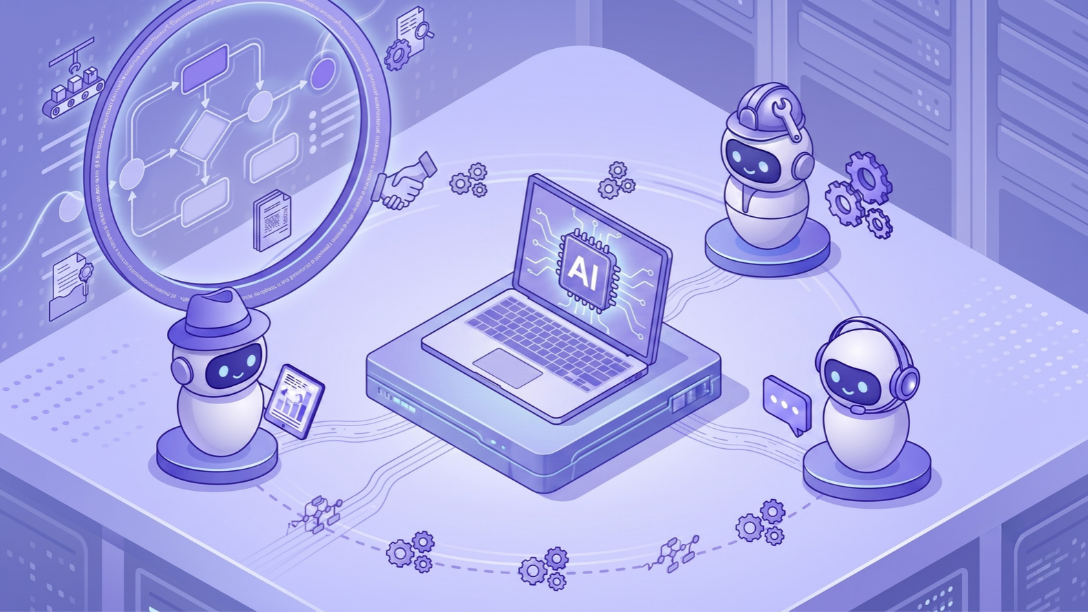
That’s exactly what Craft AI is designed to do. The solution enables you to deploy autonomous assistants that are fully tailored to your needs and easy to use. By carefully managing permissions and ensuring secure hosting in France, Craft AI simplifies chatbot development. Your employees benefit from an efficient work companion, and your IT department can rest easy.
Need help getting started on your first business AI agent project or simply want to learn more? Contact our experts!